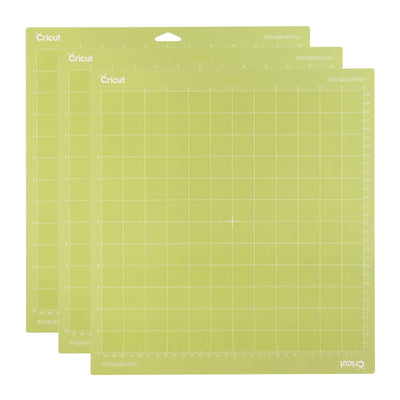
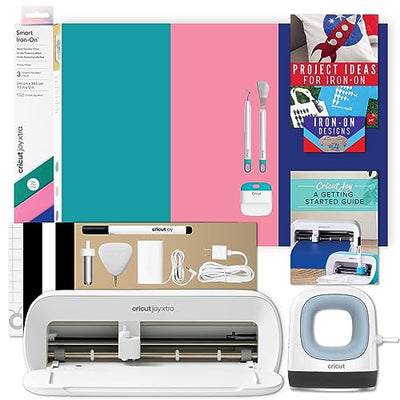
Making stickers with your Cricut is easy! All you need is a compatible Cricut machine (such as the Maker, Explore, or Joy), printable sticker paper, and access to the free Cricut Design Space app. Simply choose or upload your sticker designs, print them on your home printer using printable vinyl or sticker paper, and then let your Cricut precisely cut around each shape with its Print Then Cut feature. We recommend using StandardGrip mats for best results. For crisp, professional-quality stickers, pair your Cricut with official Cricut materials from WoodArtSupply. If you're new to sticker-making, look for beginner design bundles or starter kits in our Cricut accessories section to get everything you need in one place!